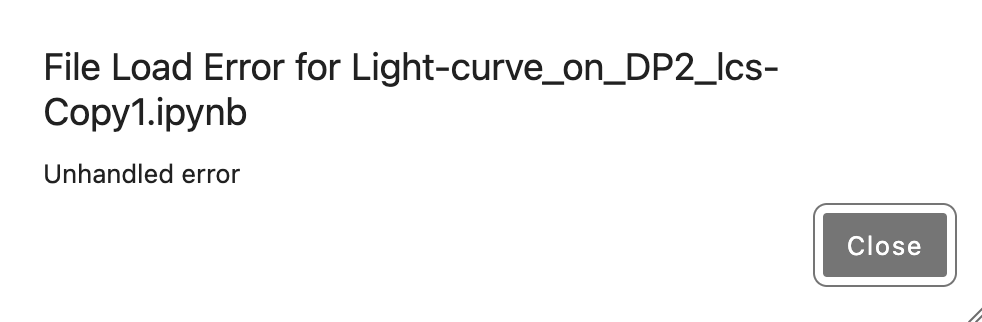
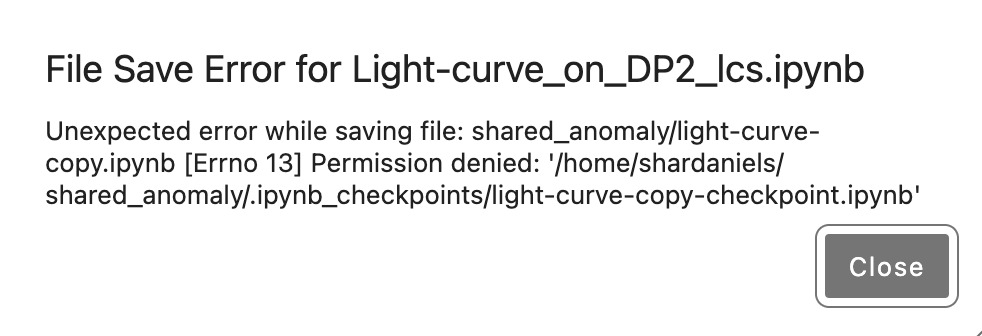
My hackathon group is trying to share notebooks on RSP. We’re made and joined a group and all have access to a shared directory, but when we try to copy people’s notebooks we get a file save error because we can’t write to .ipynb_checkpoints; we also cannot edit other people’s files - if we have write permissions and try to open the file then we get “Unhandled Error.” Any advice?
Right, sharing running notebooks between people (as opposed to “go get a copy of my notebook from here and run it yourself” kind of sharing) will not work. This is because in the current JupyterLab execution model, JL keeps execution data in the file, so different people trying to execute it from the same file in different kernels will cause really bad errors, possibly leading to data loss, even beyond the permssion errors you saw.
We are closely monitoring developments in the JupyterLab ecosystem that allow the kind of collaboration you are wanting to do. We have tested some early incarnations of this and I did not feel they were robust enough for general use, but the JL community has good development momentum in this area and I am reasonably confident we’re going to see a production-grade solution in the next 12 months.
In the meanwhile, I suggest you collaborate on notebook content by using something like Github, where everybody makes improvements on a notebook that are visible to all, but then checks it out to run their individual copy on their own space.
Oh I had not realized that it was not allowed in JupyterLab! being able to share notebook is a really helpful functionality (pedagogically invaluable!) so thank @frossie you for monitoring the situation and committing to make it available when the solution is obtained! Github is not great for collaborating on notebooks due to the fact that notebooks are jason files in the back end and that even without editing the jason file will change so merge errors are common and figuring out what meaningful changes happen is not trivial (but we will make it work of course)