Hi, everyone.
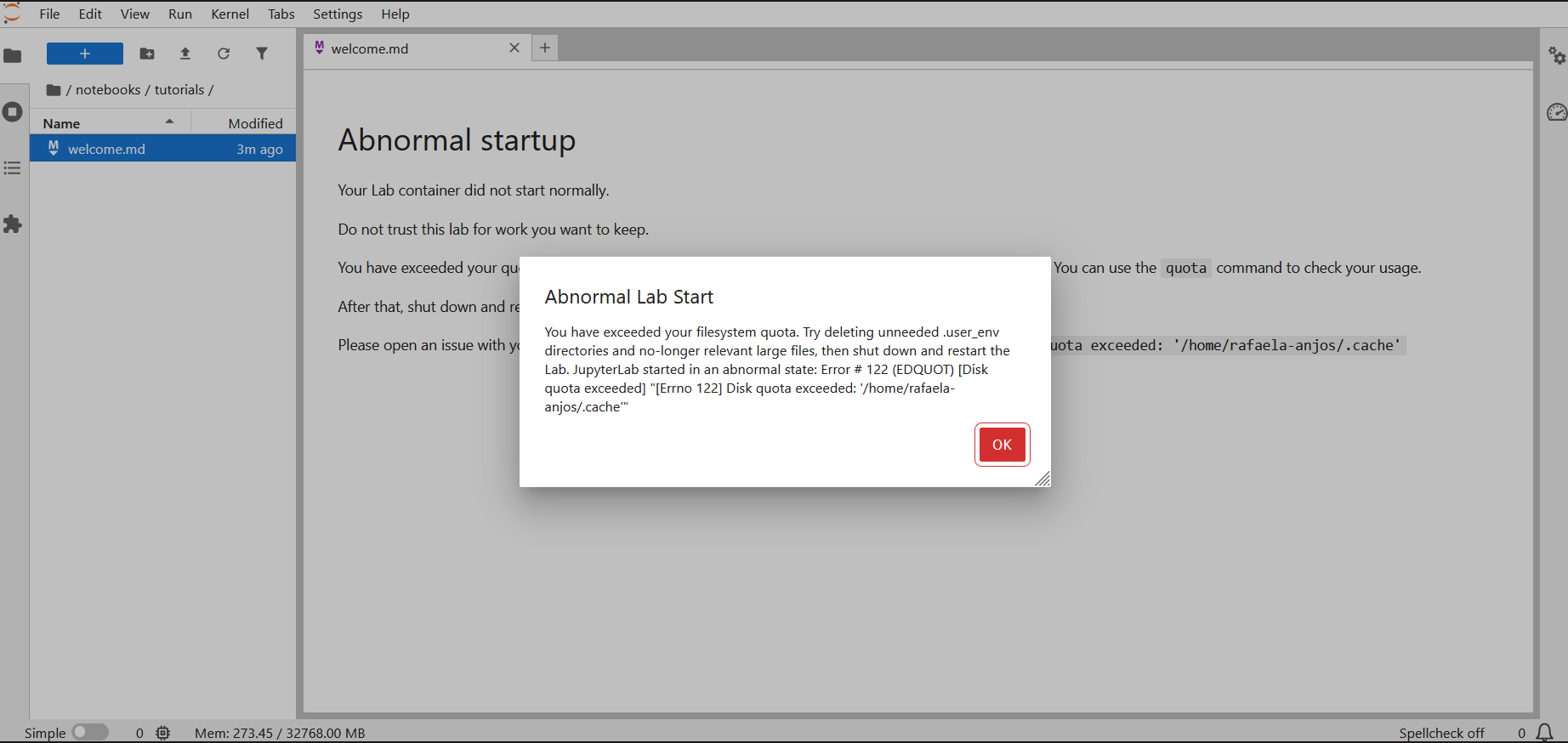
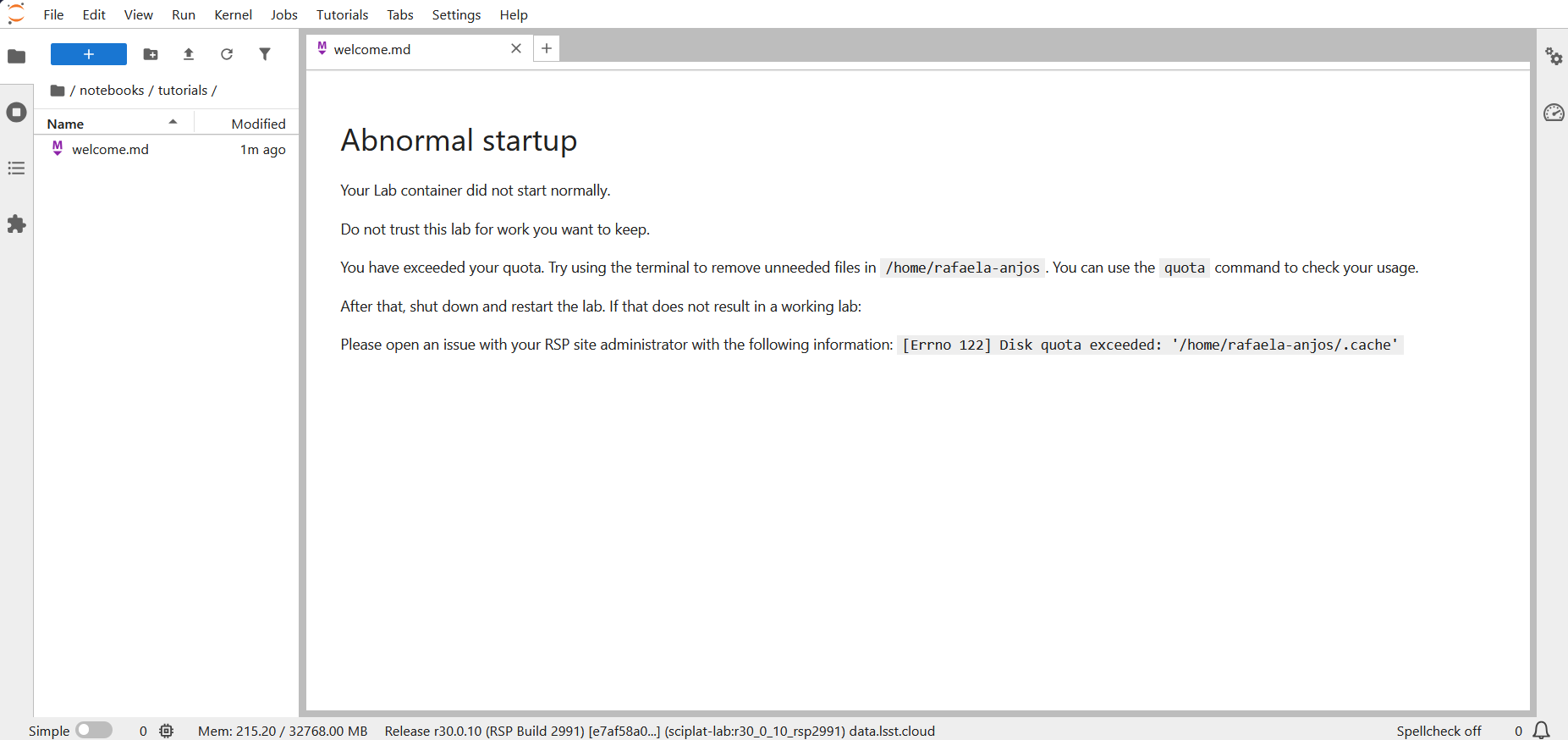
I’m having this little problem when starting Jupyter—even after clearing the cache in the terminal, the warning keeps appearing, and I can’t access the tutorials from here. The following warning appears:
Hi, everyone.
I’m having this little problem when starting Jupyter—even after clearing the cache in the terminal, the warning keeps appearing, and I can’t access the tutorials from here. The following warning appears:
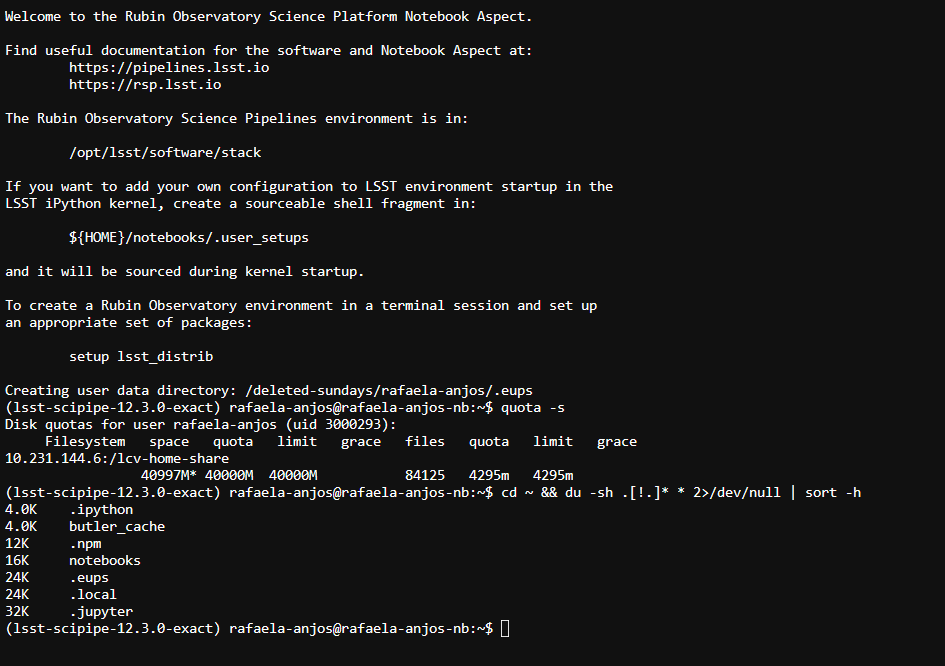
Hi Rafaela. Before anything else, could you check whether you’re actually over your quota? The home directory limit on the Notebook Aspect is 35 GB, and the quota covers everything under /home/rafaela-anjos/ rather than just .cache so you could still be blocked after emptying the cache. Open a terminal from the Launcher (blue “+” at top left → Terminal) and run quota -s to confirm, then cd /home/rafaela-anjos/ && du -sh .[!.]* * 2>/dev/null | sort -h to see what’s actually taking up the space.
I managed to fix it by deleting a very full folder using the terminal. Now I can open it normally, and I’m going to take this opportunity to delete as many files as possible! Thanks for the help and clarification. I ended up letting a lot of files pile up here.